Bkinho Discord Server

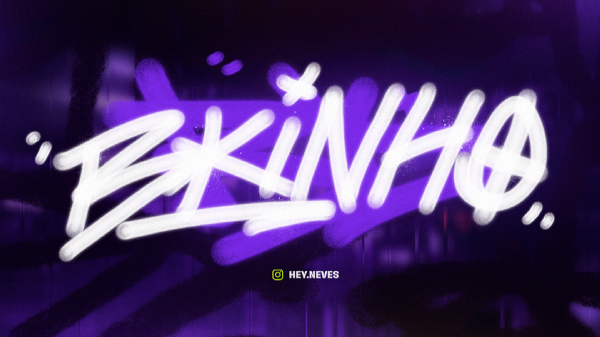
About Bkinho
Bkinho is where the excitement of live streaming meets a passionate community of content creators and fans. Led by Thiago, known as "BKINHO," this server specializes in engaging and entertaining GTA RP streams that bring together players from around the globe. If you’re into gaming, especially roleplay experiences, this is the place to immerse yourself in thrilling adventures.
In Bkinho, members dive into discussions about their favorite games, share streaming tips, and collaborate on creative projects. The atmosphere is lively and interactive, with plenty of opportunities for chat during streams and dedicated spaces for sharing content. Expect to connect with other gamers who share your enthusiasm for both playing and watching captivating live sessions.
With over 113,000 members and consistently around 3,000 online at any given time, Bkinho offers an active environment that’s hard to match. This massive community not only provides a wealth of knowledge but also fosters friendships that extend beyond gaming. Become part of the excitement as you experience unique streams and create lasting memories with fellow enthusiasts!
Server Stats
- Members:
- 115,125
- Online Now:
- 935
- Community Votes:
- 0
- Category:
- YouTube & Streaming
- Language:
- English
- Tags:
- youtube, streaming, content-creator
- Status:
- ✓ Verified by DiscordHub
- Listed:
- February 23, 2026
Join Bkinho
Join Bkinho on DiscordAll servers on DiscordHub are free to join. You need a Discord account to participate.
Questions About Bkinho
- Can I invite friends to Bkinho?
- Yes — once you've joined Bkinho, you can share the invite link with friends. The server welcome page usually explains how invites work and any requirements for new members.
- Is the Bkinho Discord server safe?
- Bkinho is listed in DiscordHub's directory and has been verified. With 115,125 members, it has an established community. Always read server rules when joining any Discord server.
- How do I join the Bkinho Discord server?
- Click the "Join Server" button on this page to open the Bkinho invite link. You'll need a free Discord account — sign up at discord.com if you don't have one. After joining, check the rules channel and introduce yourself.
 FARM 🎉 1 ANO
 Subway Surfers
 SMASH LEGENDS
 Wanda Software
 ACS Drift
 Tuning Club Official